01Do you need an eSIM for Japan?
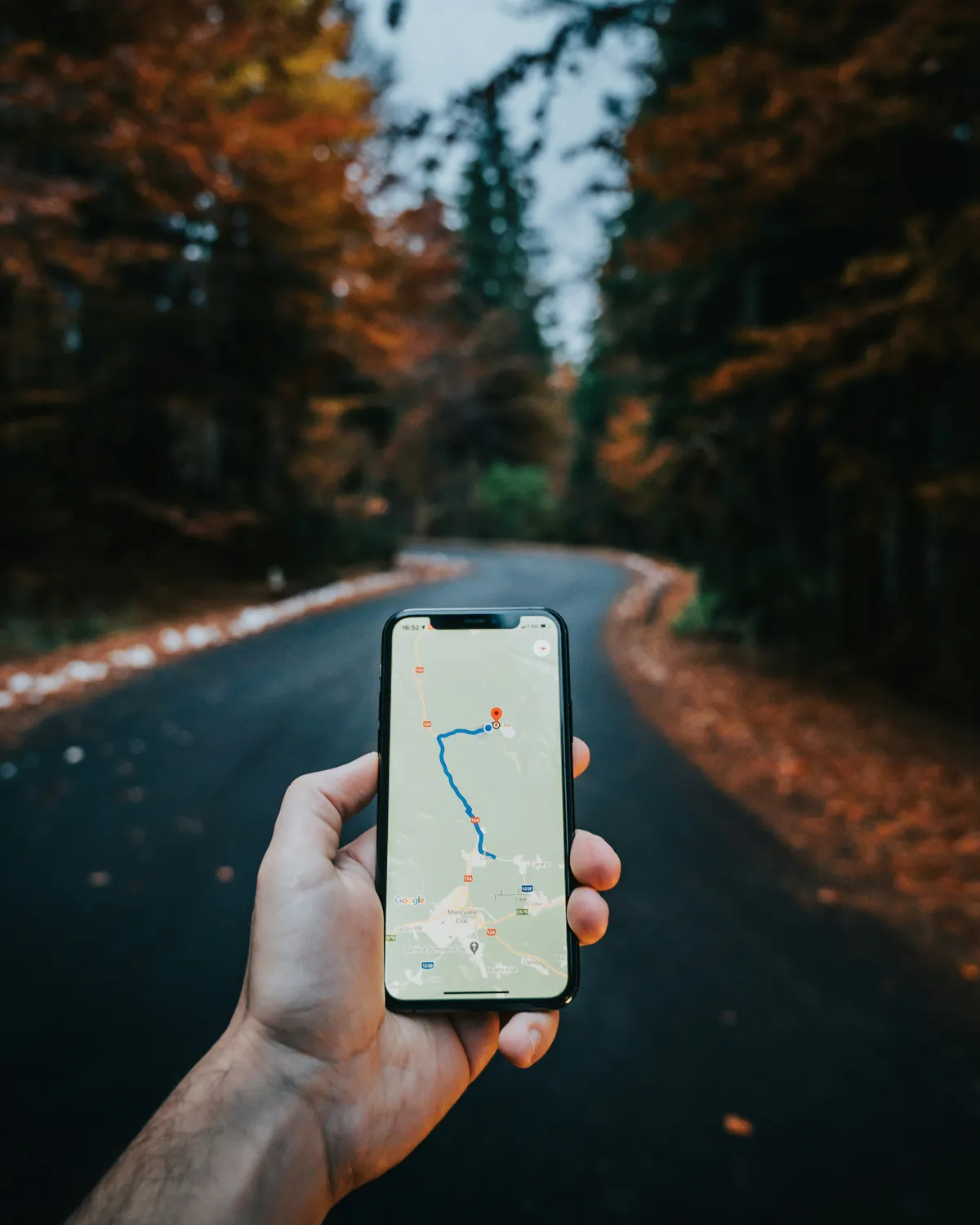
Yes. This is basically mandatory for a comfortable trip. Free WiFi exists in Japan — at train stations, convenience stores, and some cafes — but it's spotty, slow, and requires re-authentication constantly. You cannot rely on it.
You need mobile data for Google Maps (train navigation is essential), translation apps, restaurant lookups, IC card top-ups, and simply not getting lost. Japan's train system is amazing but complex — offline navigation is stressful.
Your three options:
For solo travelers and couples, an eSIM is the easiest, cheapest, and most convenient option. No device to carry, no pickup counter, instant activation.
02eSIM vs Pocket WiFi vs Local SIM
Here's an honest comparison of the three main connectivity options for Japan.
| eSIM | Pocket WiFi | Local SIM | |
|---|---|---|---|
| Setup | Before arrival | Airport pickup | Airport purchase |
| Cost (7 days) | ¥1,500–3,000 | ¥4,000–6,000 | ¥3,000–5,000 |
| Pros | No device to carry, instant setup | Share with group, reliable speed | Phone number included |
| Cons | Need compatible phone | Must carry & charge extra device | Complex setup, limited options |
| Best for | Solo / Couples | Families / Groups | Long stays |
eSIM for solo travelers and couples. Pocket WiFi for families and groups (4+ people sharing one device saves money). Local SIM only if you specifically need a Japanese phone number.
03What to look for in a Japan eSIM
Not all eSIMs are equal. Here's what actually matters when choosing one for Japan.

Data amount
3–5 GB is enough for 7 days if you're not streaming video. Google Maps, translation apps, messaging, and restaurant searches use surprisingly little data. If you plan to watch YouTube or make video calls daily, go for unlimited or 10GB+.
Network
Japan has three major carriers: Docomo, SoftBank, and KDDI (au). Docomo generally has the best coverage in rural areas. SoftBank is strong in cities. Most eSIM providers use one of these networks — check which one before buying.
Validity period
Match your trip length. Most plans range from 7 to 30 days. Buying a longer plan than you need is usually cheaper than buying a second eSIM mid-trip.
Customer support
Things can go wrong with activation. Providers with in-app chat support or 24/7 email support are worth the small premium — especially if it's your first eSIM.
Activation method
QR code is the most common. Some providers offer direct app installation. Either way, install the profile before your flight — you just activate it when you land.
04Top eSIM providers for Japan

We've compared the most popular eSIM providers used by Japan travelers. Here's how they stack up.
- + Easy-to-use app
- + Wide range of data plans
- + In-app support chat
- + Trusted by millions
- - No unlimited option
- - Speed can vary by location
- + Competitive pricing
- + Good coverage in major cities
- + 50GB option for heavy users
- - Less known brand
- - App not as polished
- - Support can be slow
- + Truly unlimited data
- + No worrying about usage
- + Good for streaming / video calls
- + 24/7 chat support
- - More expensive than metered plans
- - Speed may throttle during peak hours
- - Overkill for light users
- + Very competitive prices
- + Clean, simple purchasing
- + Good plan variety
- - Newer brand, less reviews
- - No dedicated app (web-based)
| Provider | Best plan | Price | Best for |
|---|---|---|---|
| Airalo | 3GB / 30 days | ~$8 | Most travelers |
| Ubigi | 3GB / 30 days | ~$7 | Budget pick |
| Holafly | Unlimited / 7 days | ~$19 | Heavy users |
| Nomad | 5GB / 30 days | ~$9 | Good alternative |
Unlimited data from $5. Works on Softbank/KDDI/Docomo networks. Instant digital delivery — no pickup needed.
Check price on KKday →05How to set up your eSIM

Setting up an eSIM is straightforward — but do it before your flight, not at the airport.
- Check phone compatibility Your phone must support eSIM. iPhones from XS (2018) and later support it. Most Android phones from 2020+ do too (Samsung Galaxy S20+, Google Pixel 3a+). Check your phone's settings for "Add eSIM" or "Mobile Data" options.
- Buy your eSIM before your trip Purchase through the provider's app or website 1–2 days before departure. You'll receive a QR code or app-based installation. Don't wait until the last minute.
- Install the eSIM profile Scan the QR code or tap the install link. This adds the eSIM to your phone but does not activate it yet. You can install on your home WiFi — no need for a Japanese network.
- Activate when you land in Japan Go to Settings → Cellular/Mobile → select your new eSIM → turn on data roaming if required. The eSIM connects to the Japanese network automatically.
- Keep your home SIM active (dual SIM) Most modern phones support dual SIM. Keep your home SIM for receiving calls and SMS (useful for 2FA). Use the Japan eSIM for data only. Set your Japan eSIM as the default for "Mobile Data."
Test your eSIM connection briefly after installing (before your trip, on WiFi) to confirm the profile was added correctly. If something goes wrong, you still have time to contact support.
06Our recommendation

After comparing options, here's what we recommend for different types of travelers.
Airalo or Ubigi, 3–5 GB plan. Affordable, reliable, easy to set up. More than enough data for maps, translation, and general browsing over 7–10 days. Airalo has the better app experience; Ubigi is slightly cheaper.
Holafly unlimited plan. If you stream video, make video calls, or are staying 2+ weeks, the unlimited plan removes all anxiety about data usage. Worth the premium.
Pocket WiFi rental. If you're traveling with 3+ people, renting one pocket WiFi device and sharing the connection is more cost-effective than buying individual eSIMs for everyone. Pick up at the airport, return before departure.
Ready to stay connected? Unlimited data from $5. Works on Softbank/KDDI/Docomo networks.
Get Japan eSIM on KKday →See how eSIM and connectivity costs fit into your total Japan budget.
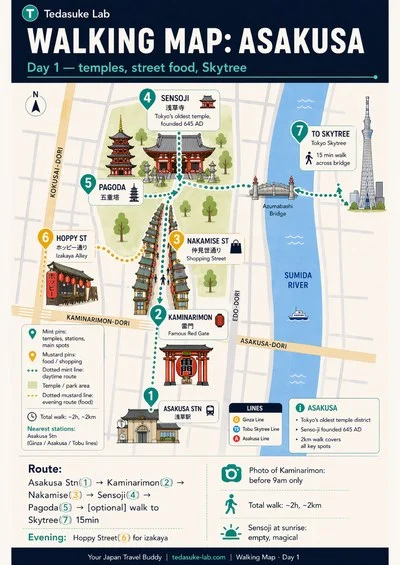
Open Budget Estimator →Want the exact routes and maps?
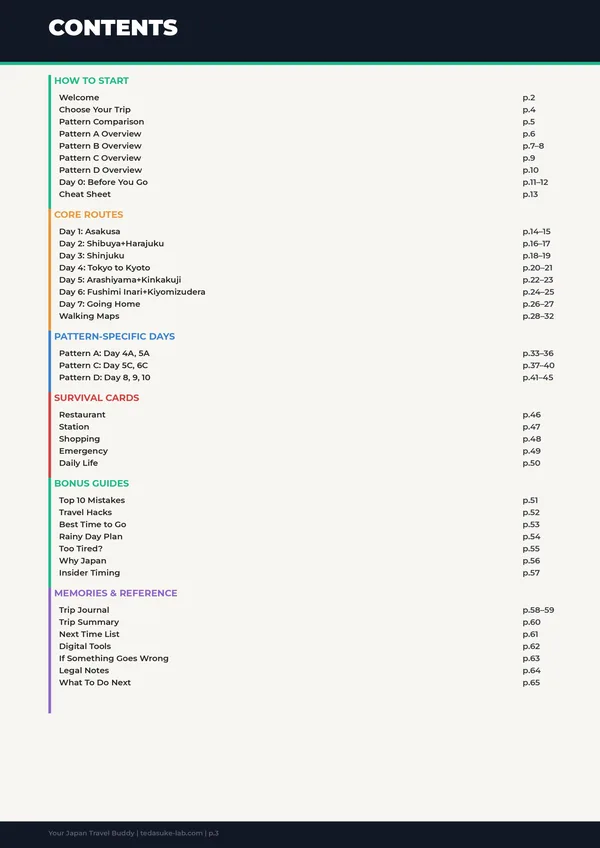
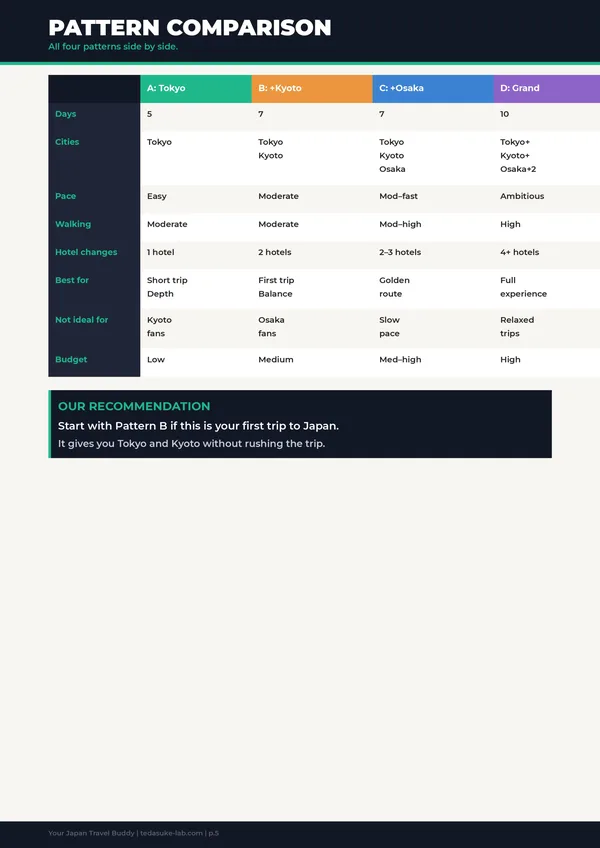
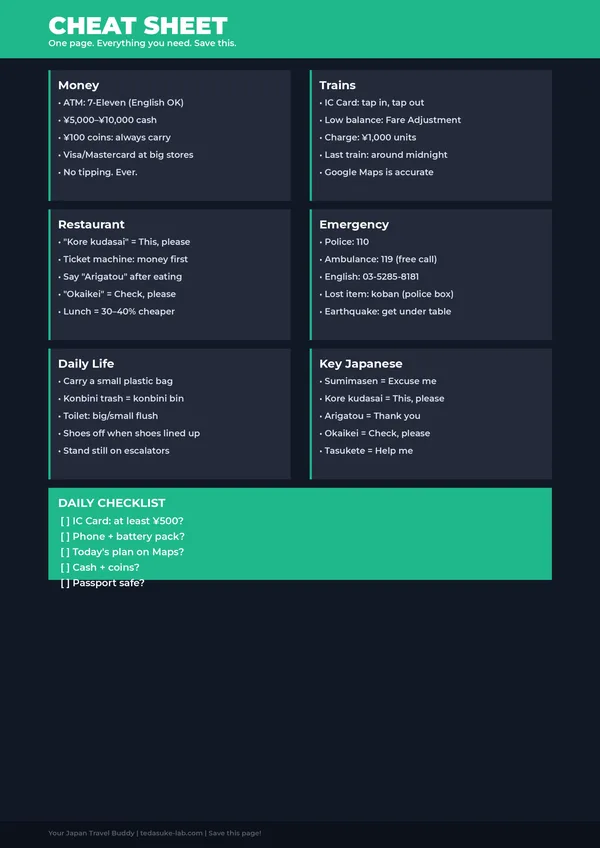
Plan your trip with illustrated walking maps and ready-to-follow routes.
See the complete guide →

One-time payment · Instant download · Free updates forever